
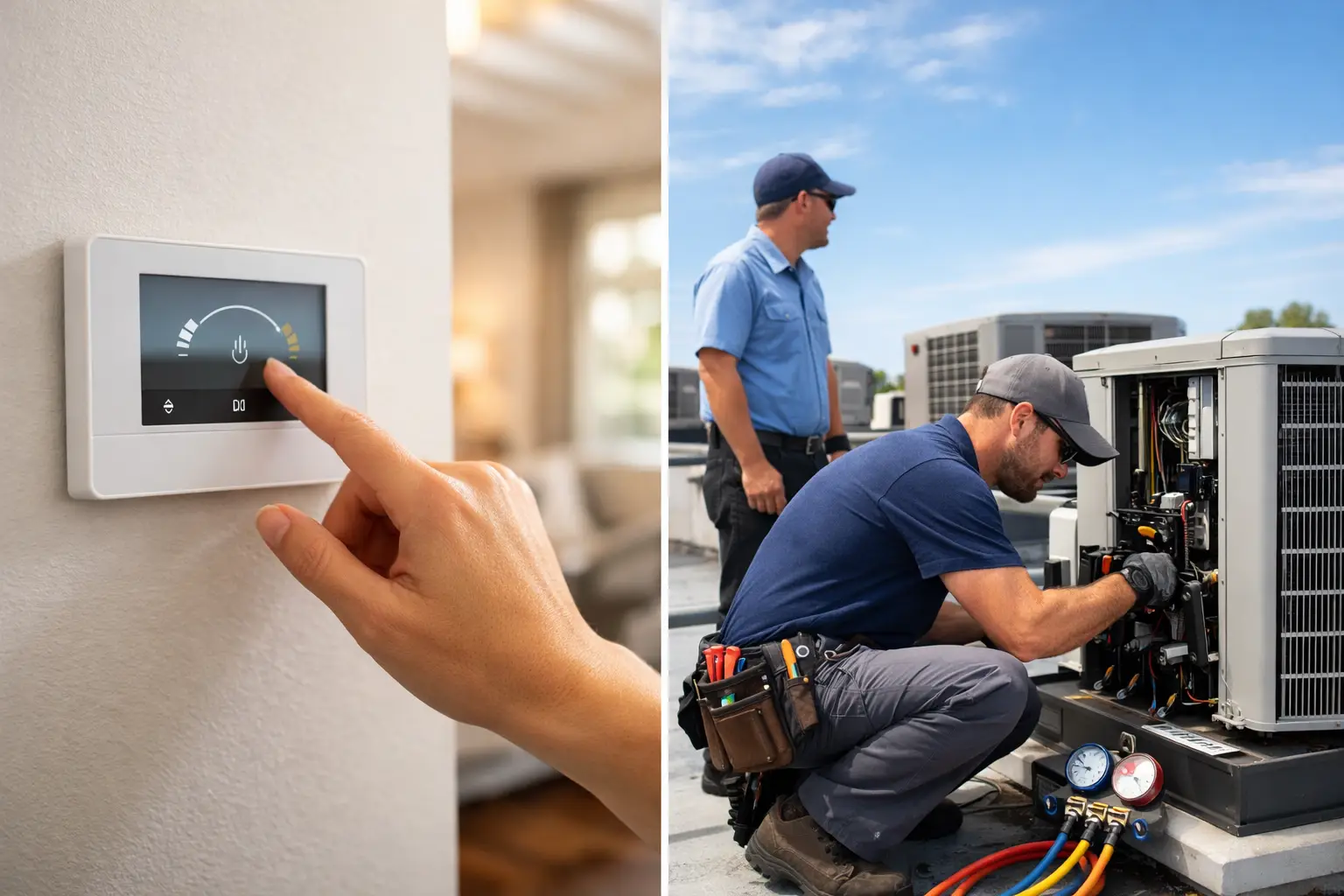
When the Texas heat settles in and your AC seems to run from morning until midnight, thermostat settings stop feeling like a small decision. The best thermostat settings for summer can make a noticeable difference in comfort, energy costs, and how hard your system has to work through the hottest part of the season.
For most homes, 78 degrees while you are home and awake is a solid starting point. That number is often recommended because it balances comfort and efficiency better than cranking the thermostat down into the low 70s. But the real answer depends on your home, your building, your schedule, your insulation, and how your system is performing.
What are the best thermostat settings for summer?
If you want a practical rule of thumb, start here. Set your thermostat to 78 degrees when people are home, raise it to 82 to 85 degrees when the house is empty, and drop it slightly at night if needed for sleep. For many businesses, the occupied setting usually lands between 74 and 78 degrees depending on the space, equipment load, foot traffic, and hours of operation.
That range works because every degree lower forces your AC to run longer. In a place like Magnolia or the greater Houston area, where summer heat and humidity stay persistent, that extra runtime adds up fast. Lower settings can make the building feel cooler in the short term, but they also increase wear on the system and push utility bills higher.
Still, efficiency is not the only goal. A thermostat setting that saves money but leaves your family uncomfortable or your employees distracted is not the right setting. The best approach is to use 78 as your baseline, then adjust by a degree or two based on how the space actually feels.
Why 78 degrees is usually the sweet spot
A lot of people assume colder is always better, especially after walking in from a 95-degree afternoon. The problem is that your thermostat does not cool the home faster by being set dramatically lower. If your house is 82 degrees and you set the thermostat to 68, the system still cools at the same rate. It just keeps running much longer until it reaches that lower target.
That is why 78 degrees tends to be the most reasonable summer setting. It keeps indoor temperatures comfortable for most people without overworking the equipment. It also helps manage humidity if the AC is sized correctly and operating as it should.
Humidity matters just as much as temperature in Southeast Texas. If your home is 76 degrees but muggy, it can still feel uncomfortable. In many cases, homeowners lower the thermostat trying to fix a humidity problem that is really caused by poor airflow, dirty filters, duct leakage, or an HVAC issue. When that happens, the thermostat gets blamed for a system problem.
Best thermostat settings for summer when you are away
If nobody is home for several hours, there is no reason to cool the space as aggressively as if it were occupied. Raising the thermostat to 82 to 85 degrees while you are away can reduce energy use without letting the indoor temperature climb to an extreme level.
That said, there are trade-offs. If you set it too high in a humid climate, indoor moisture can build up and the system may have to work hard later to pull temperatures back down. Homes with pets, older occupants, heat-sensitive electronics, or rooms that get intense afternoon sun may need a more moderate setting.
For many households, 82 degrees is a safe middle ground. It saves energy but does not let the house drift too far. If you have a smart thermostat, using scheduled setbacks is usually more effective than making manual changes every day and forgetting to switch them back.
What to set your thermostat to at night
Sleeping comfort is where one-size-fits-all advice starts to break down. Some people sleep fine at 78 degrees. Others need 74 to 76 degrees to stay comfortable, especially upstairs where bedrooms often run warmer.
If a lower nighttime setting helps you sleep, that is a reasonable adjustment. The goal is not to force one temperature around the clock. The goal is to avoid unnecessary strain during peak hours while still keeping the space livable.
If you consistently need the thermostat much lower at night, it may point to an airflow imbalance rather than a simple preference. Hot second floors, weak airflow in bedrooms, or poor attic insulation can all make nighttime comfort harder to achieve. In those cases, changing the thermostat helps, but it may not solve the real issue.
Thermostat settings for businesses and commercial spaces
Commercial buildings need a different strategy than homes. The best setting depends on occupancy, hours, lighting, server rooms, storefront traffic, and whether the building uses rooftop units or a more complex HVAC setup.
For many offices and light commercial spaces, 74 to 78 degrees during business hours is a common range. After hours, it often makes sense to raise the setting, but not so high that the building becomes hard to recover the next morning. Restaurants, medical spaces, retail stores, and properties with heavy equipment loads may need tighter control.
Property managers also need to think beyond comfort. Tenant complaints, humidity control, energy costs, and equipment lifespan all matter. If one zone is freezing while another never cools down, that usually points to a system or controls issue rather than a thermostat number alone.
When lower settings are not actually helping
Many people set the thermostat lower because the house does not feel cool enough. That reaction is understandable, but it often masks a deeper problem.
If your system runs constantly and cannot keep up, lowering the thermostat further will not fix it. Common causes include a clogged filter, low refrigerant, dirty coils, leaky ducts, poor insulation, a failing blower, or an undersized or aging system. In older homes and commercial buildings, thermostat placement can also be part of the problem. If the thermostat sits near a hot window or in a poorly ventilated hallway, it may not reflect the true temperature in the occupied space.
A properly working AC system should maintain a reasonable summer setting even in tough weather, though extreme heat can still challenge any unit. If your thermostat says 72 but the building still feels sticky or uneven, it is time to look at system performance.
Smart thermostat settings that work better than guesswork
Smart thermostats are useful because they take the daily guesswork out of temperature control. A good schedule can reduce energy waste without asking you to remember every adjustment.
For a typical household, a summer schedule might hold 78 degrees during occupied daytime hours, increase to 82 degrees when the house is empty, and return to a sleep setting around 76 degrees overnight. For commercial properties, the schedule should match operating hours, cleaning schedules, and any areas that need after-hours conditioning.
The best results come from small, consistent changes. Big temperature swings are not always better, especially in humid climates where recovery can take longer. A steady, thoughtful schedule is usually easier on the equipment and more comfortable for the people inside.
A few Texas-specific factors to keep in mind
Summer thermostat advice sounds simple until real-world conditions show up. In the Houston area, high outdoor humidity, long cooling seasons, and intense afternoon heat all affect how your AC performs.
That means the best thermostat settings for summer may vary from one property to the next. A newer home with good insulation and a variable-speed system can often stay comfortable at higher settings. An older building with air leaks, poor duct design, or sun-loaded rooms may struggle even when the thermostat is set lower.
This is also why preventive maintenance matters. If your system is dirty, low on refrigerant, or losing airflow, your thermostat settings become less effective. You end up paying more for less comfort.
The setting that makes sense for your space
If you are looking for the simplest answer, start at 78 degrees when occupied, 82 to 85 degrees when away, and adjust slightly for sleep or business needs. Then pay attention to what happens. If comfort is uneven, humidity is high, or the system seems to run nonstop, the issue may not be the setting at all.
A good thermostat strategy should lower waste without making the space uncomfortable. It should also support the long-term health of your HVAC system, not force it into overtime every afternoon. If your current settings never seem to work no matter what number you choose, that is usually a sign your system needs professional attention. BluePeak 360 sees that often during summer service calls, and in many cases the right repair or tune-up does more for comfort than another thermostat adjustment ever will.
The best setting is the one that keeps your home or building comfortable, controls humidity, and does not ask your AC to do more than it should in the middle of a Texas summer.